AI-POWERED VIDEO FACE SWAP
IN SECONDS
Swap faces in any video with advanced AI in seconds. Upload a source face and a target clip, and our AI video face swap engine tracks every frame for smooth, natural results in up to 1080p — no app downloads, everything runs in Telegram.
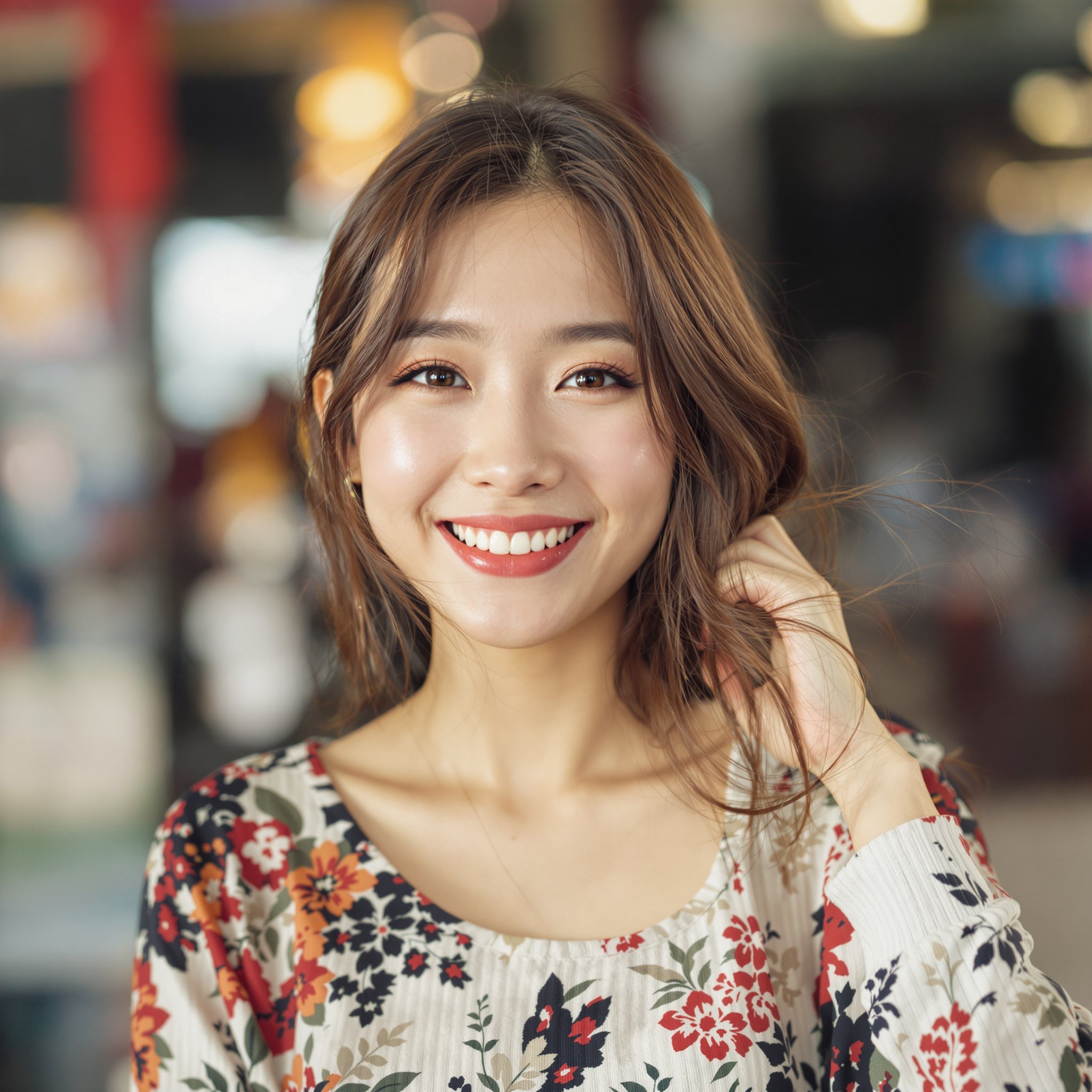
Source Face
Target video
Result
Upload your source face, choose a target video,
and watch our AI create the perfect blend!
How AI Video Face Swapping Works
Video face swapping is far more complex than replacing a face in a single photo. The AI must analyze every individual frame, detect facial geometry, replace the target face, and then stitch everything back together while maintaining temporal consistency so the result looks smooth and natural to the human eye.
The process begins with frame extraction, where the video is broken down into individual images. Next, the AI runs face detection on each frame, identifying facial landmarks like the jawline, eyes, nose, and mouth. The replacement face is then warped and blended to match the target's pose, lighting, and expression in that specific frame. Finally, all processed frames are reassembled with temporal smoothing to eliminate flickering and ensure seamless motion between frames.
What makes video harder than photo face swapping is the sheer number of variables that change across frames. The subject's head may rotate, lighting shifts as they move, expressions change mid-sentence, and partial occlusions occur when hands or objects cross the face. Our AI handles all of these challenges by tracking facial landmarks continuously and adapting the swap to each frame's unique conditions, producing results up to 1080p with smooth transitions and natural-looking motion.
Two qualities separate a believable video face swap from an obvious fake: temporal stability and identity preservation. Temporal stability means the swapped face does not jitter, flicker, or "pop" between frames — a problem that plagues cheaper tools that process each frame in isolation. Our engine smooths the transition between every consecutive frame so the motion reads as continuous to the eye. Identity preservation means the source face actually looks like the person you uploaded, not a blurry approximation. The AI locks onto the unique proportions of your source face and re-projects them onto the target's head position, so the result stays recognizable even as the subject turns, blinks, or speaks.
A few practical tips dramatically improve your output. Use a clear, front-facing source photo with even lighting and no sunglasses or heavy shadows — the more facial detail the AI can read, the better the swap. Pick a target video where the face stays reasonably visible and is not constantly obscured by motion blur. And keep clips focused: a tight 10 to 30 second segment almost always looks cleaner than a long, rambling video, because the AI has fewer challenging frames to reconcile. If your first result is not perfect, swapping in a sharper source photo is usually the single biggest fix.
Popular Use Cases for Video Face Swap
- ●Content creation — Stand out on YouTube and TikTok by inserting yourself into trending clips or recreating iconic movie scenes with your own face.
- ●Entertainment videos — Create hilarious face swap videos of friends, family, or celebrities for birthdays, parties, and group chats.
- ●Social media reels — Generate scroll-stopping Instagram Reels and TikToks that drive engagement and shares.
- ●Movie-style effects — Achieve Hollywood-level face replacement effects without expensive software or VFX expertise.
- ●Creative storytelling — Build narrative content where characters transform, swap identities, or take on new personas mid-scene.
Ready to create your first face swap video? Our Telegram bot makes it effortless — just send a source face photo and your target video, and the AI delivers your result in under a minute. Learn more about the process in our guide on how to create viral face swap videos, or explore the top video face swap options in 2026. Prefer shorter looping clips? Our dedicated GIF face swap tool is built for exactly that.
Face Swap vs. Fully-Generative AI Video
It is worth understanding how video face swapping differs from fully-generative AI video. Generative video tools synthesize entire scenes from a text prompt — they invent the lighting, the camera motion, and every pixel from scratch. That sounds powerful, but it also means you surrender control: the output is unpredictable, the subject rarely looks like a real person you specified, and rendering can take many minutes for a few seconds of footage.
A video face swap takes the opposite, more grounded approach. You start with a real target video you already love — the framing, the motion, the timing are all preserved — and the AI only replaces the face. You keep 100% of the original cinematography and simply change who is in it. This is why face swapping is faster, far more predictable, and produces a result that genuinely resembles your source person rather than a generic AI-invented face. For most creators, "keep the great clip, change the face" beats "generate everything and hope" every single time.
NSFW & Uncensored Video Face Swap
Here is the honest truth about most video face swap tools: the moment your clip touches anything adult, the upload is rejected. Mainstream apps run aggressive content filters that block, blur, or ban any video flagged as explicit — so creators looking for an nsfw video face swap are left with broken results and locked accounts. FaceSwapper is different. We do not impose those blanket filters, which makes us one of the few tools that actually delivers a true uncensored video face swap from start to finish.
"Uncensored" does not mean "anything goes." It means the AI processes adult content the same way it processes any other video — accurately and without arbitrary censorship — while we maintain firm, non-negotiable rules around safety and the law. Every swap you create must use a face you have the explicit consent to use, must involve only adults, and is intended for private, personal use. We do not permit content involving minors, real non-consenting individuals, or anything illegal, and accounts that attempt it are removed. The freedom here is about removing pointless restrictions on legal, consensual creativity — not about removing responsibility.
Privacy is the other half of the moat. Adult content is sensitive by nature, so the same protections apply to every video that passes through the bot: your uploads and results are processed for your request and then auto-deleted — we are not building a library of your media. Because everything runs inside Telegram, there is no separate account to create, no public gallery your videos land in, and no third party rummaging through your files. You send a source face and a target clip privately, you get your result back privately, and the media is cleared.
Want the full picture before you start? Our deep-dive guide to NSFW face swap covers the technology, the ethics, and the practical workflow in detail, and our roundup of the best uncensored face swap tools shows exactly how FaceSwapper compares to everything else on the market.
Trusted by 180,000+ users
who have generated millions of face swaps to date
Telegram User #82741
"This is the most amazing uncensored face swapper I've ever used! The results are incredibly realistic."
Telegram User #99214
"Lightning fast! I got my face swapped video in under 30 seconds. Absolutely mind-blowing quality."
Telegram User #55003
"Finally a face swap tool that actually works on videos! No other app comes close to this quality."
Telegram User #46812
"The fact that it works directly in Telegram is genius. No downloads, no hassle, just amazing results."
Telegram User #12004
"The resolution is insane! 1080p face swaps that look professionally edited. Worth every credit!"
Telegram User #71560
"Best $5 I've ever spent. The quality is better than apps that charge $30/month subscriptions!"
Telegram User #60331
"Works flawlessly on photos, videos AND gifs. This is the only tool you'll ever need for face swapping."
Telegram User #91990
"No censorship, no restrictions. Finally a tool that lets me create exactly what I want without limitations!"
Telegram User #27108
"The AI is incredibly smart. It handles multiple faces, different angles, everything perfectly!"
Telegram User #38155
"I use this for my content creation and my followers can't even tell it's face swapped. That's how good it is!"
Telegram User #83002
"The swap quality on GIFs is unbelievable. I make memes for my channel and this is a game changer!"
Telegram User #11487
"I've processed over 200 videos and every single one came out perfect. Consistency is amazing!"
One Face, Endless Possibilities
Swap faces in photos, videos, and GIFs with just one source image
Your Source Face
Transforms Into
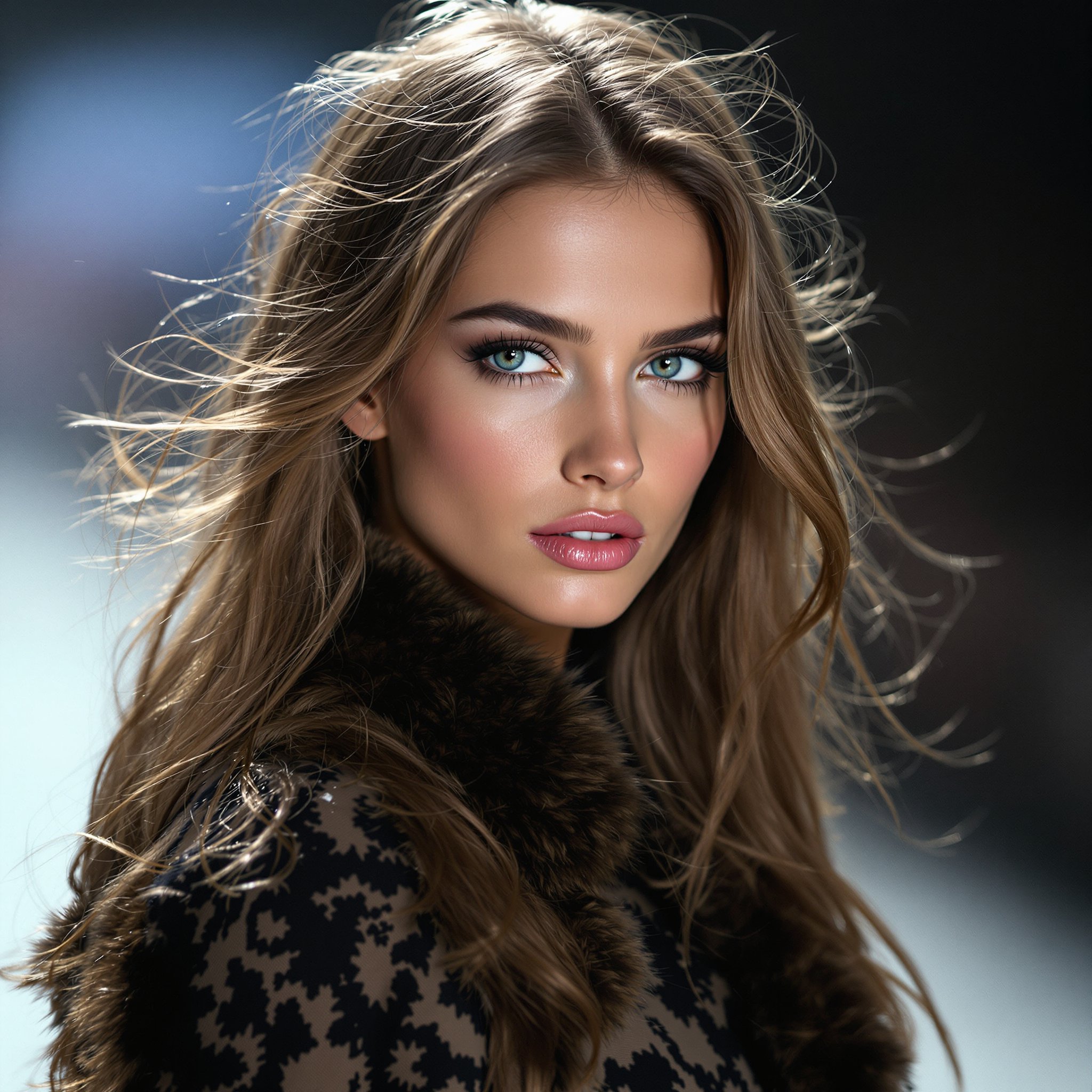
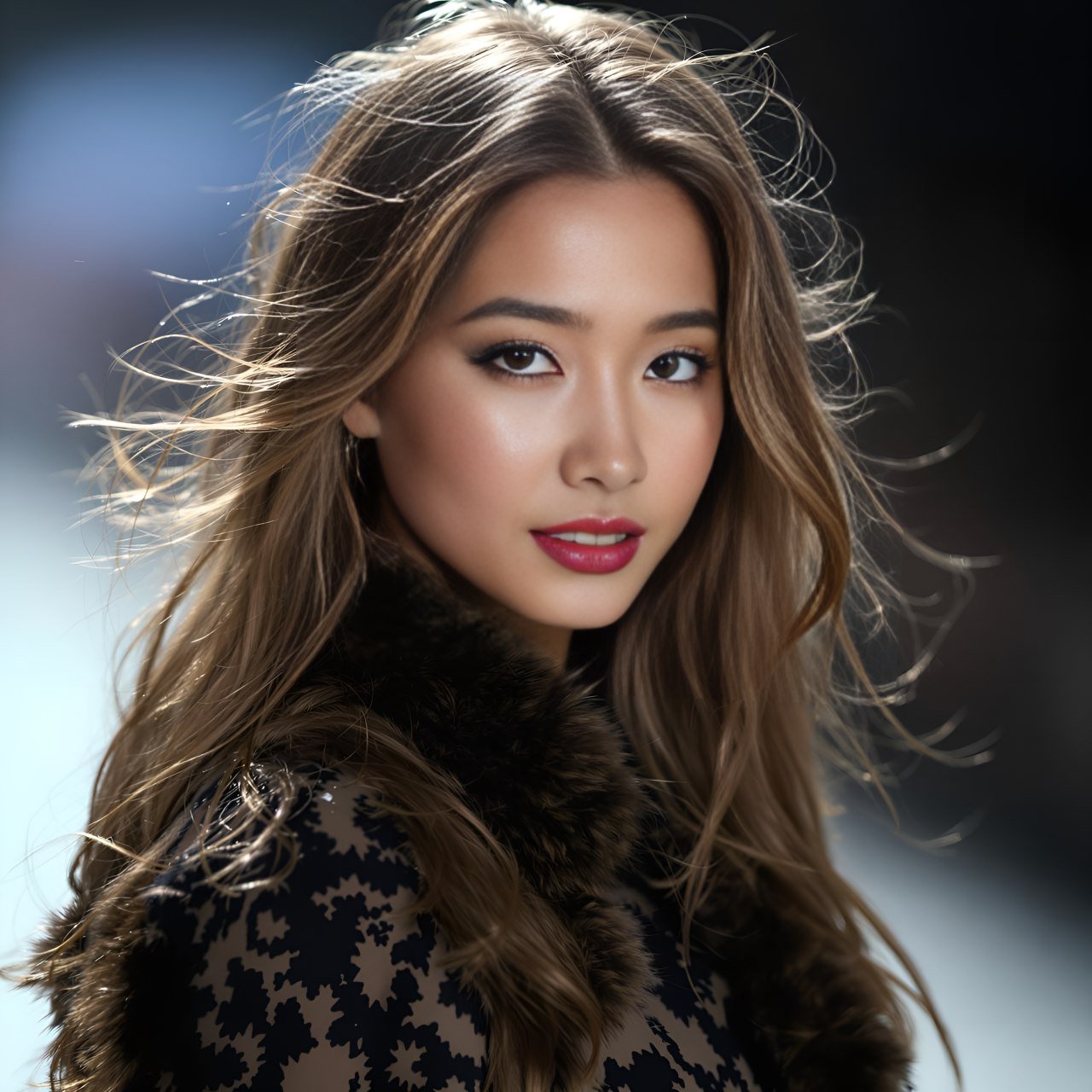
Photo Face Swap
Video Face Swap
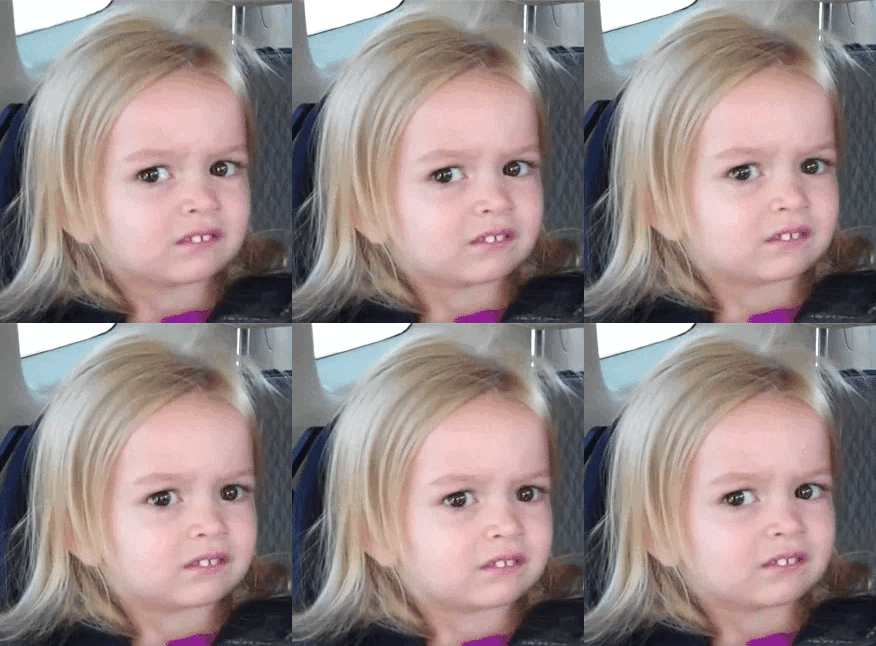
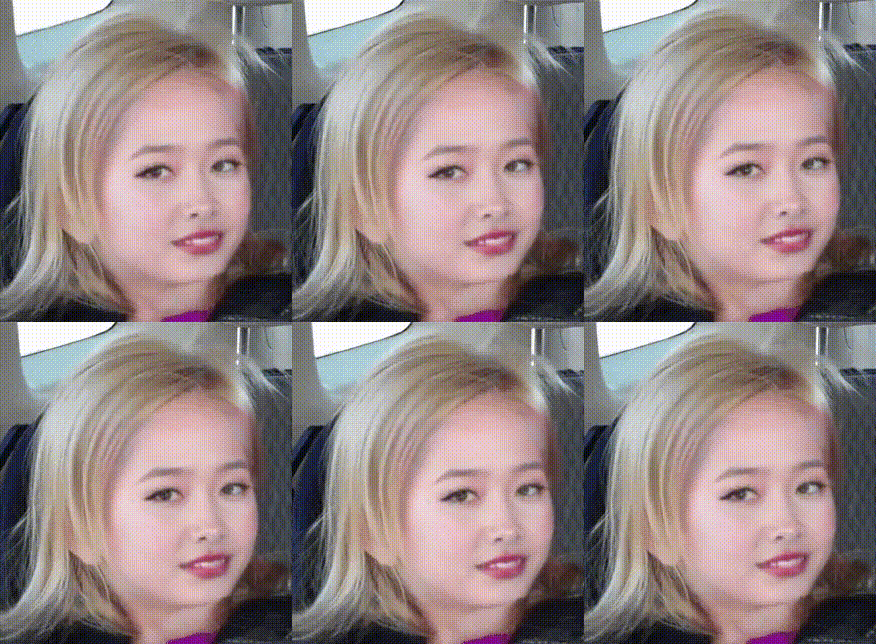
GIF Face Swap
Why FaceSwapper is the New Level
Face Swap Tool for Video
Accurate Face Recognition
Identify faces quickly and accurately with 106-point facial landmark detection for perfect swaps.
Complex Faceswap
Handle complex swaps using 3D face reconstruction and depth maps.
High Resolution Output
Enjoy 1080p face swaps with stunning clarity. 4K resolution is coming soon.
User-Friendly Interface
Achieve amazing results with just a few clicks—no downloads or skills needed.
3 Easy Steps to Create Stunning Face Swap Results
Replace face in video or photo at your fingertips with the best AI face swap.
1. Upload photo or video clip
2. Upload the target face
3. Wait for our bot to send your results!
Simple, Pay-As-You-Go Pricing
How it Works
Start using FaceSwapper on Telegram for free. Purchase credits as you need them—no subscriptions, no hidden fees.
Free to start • No credit card required • Buy credits only when you need them
Video Face Swap FAQ
Our AI video face swap tool supports MP4, MOV, and AVI formats. We recommend uploading MP4 files for the best results, as they offer the ideal balance between compression and quality. Simply send your video to our Telegram bot and the AI handles the rest.
For optimal quality and processing speed, we recommend videos up to 60 seconds long. Longer videos are automatically processed in segments to maintain high-quality face replacement across every frame. Most viral social media clips and reels fall well within this range.
Yes. Our AI tracks facial landmarks frame by frame, ensuring smooth and consistent face replacement even during rapid head movements, expression changes, and varying lighting conditions. The result is a natural-looking swap that maintains temporal consistency throughout the entire video.
Absolutely. When the AI detects multiple faces in your video, you can select exactly which face you want to swap. This gives you full control over the final result, whether you are working with a group scene, a duet, or a crowded background.
Processing typically takes between 15 and 60 seconds depending on video length and resolution. A short 10-second clip at 720p processes in about 15 seconds, while a full 60-second clip at 1080p may take up to a minute. You will receive a notification in Telegram as soon as your video is ready.