AI-POWERED UNCENSORED FACE SWAPPING
IN SECONDS
Transform your media instantly with our advanced AI face-swapping technology. Works with photos, videos, and GIFs. No app downloads required—everything happens right in Telegram.
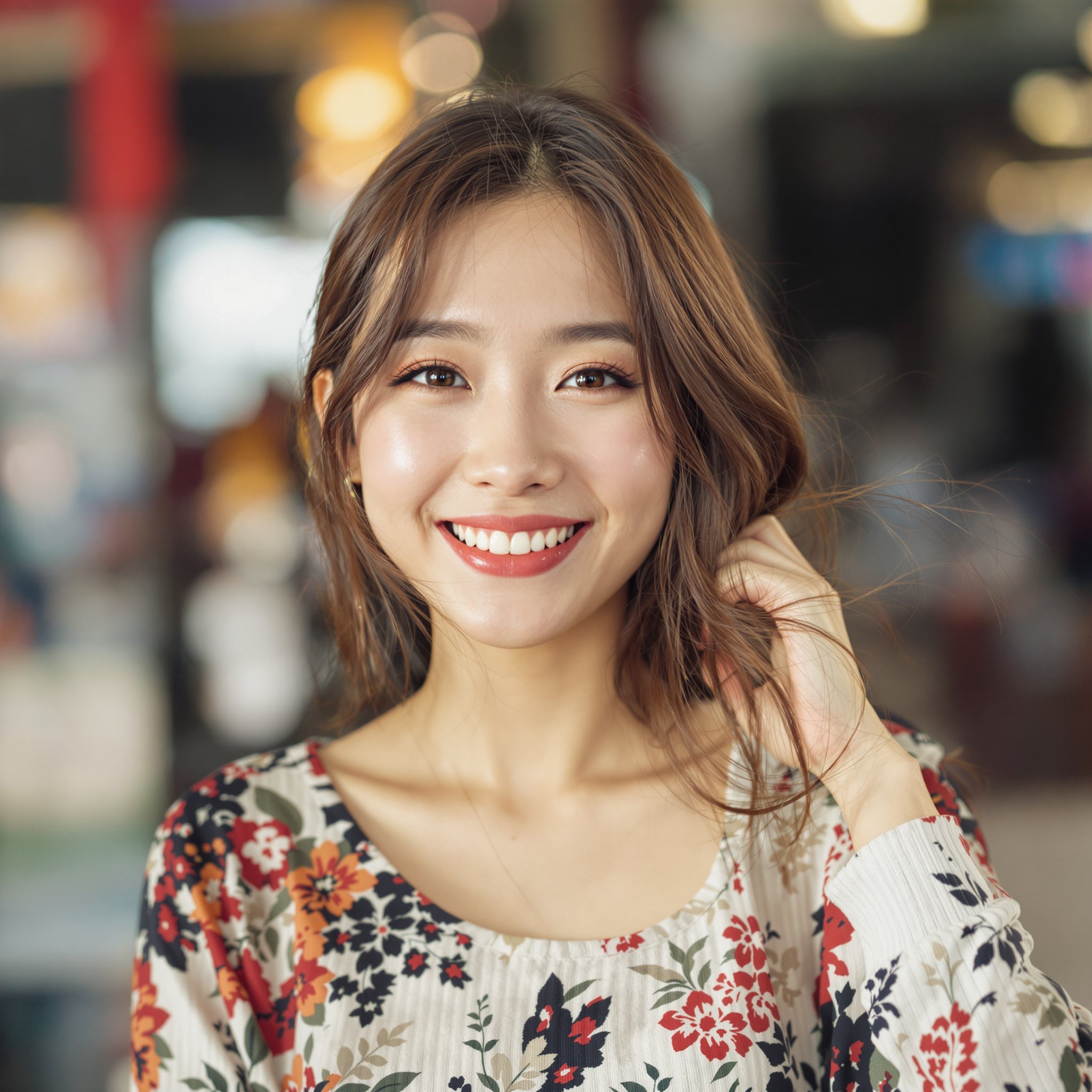
Source Face
Target video
Result
Upload your source face, choose a target video,
and watch our AI create the perfect blend!
Head Swap: Replace Entire Heads with AI
Standard face swaps only replace the inner facial area — the eyes, nose, mouth, and cheeks — leaving the original head shape, hair, and ears intact. A head swap goes much further. It replaces the entire head, including hair, ears, forehead, jawline, and neck, producing results that are dramatically more convincing. If you've ever been frustrated by face swaps that look odd because the hairstyle or head shape doesn't match, head swapping is the solution.
FaceSwapper's AI head swap technology works by first segmenting the entire head region from the source image, then mapping it onto the target body with intelligent adjustments for scale, perspective, lighting, and skin tone at the neck boundary. The AI generates a seamless blend where the new head looks like it naturally belongs on the target body. This is the same technology used in professional film VFX, now available to anyone through a simple Telegram bot.
The key advantage of head swapping over face swapping is versatility. Face swaps struggle when the source and target have very different hairstyles, head shapes, facial hair, or accessories. A head swap bypasses all of these issues by replacing everything above the shoulders. This makes it ideal for creative content, costume photos, group shots where someone was missing, or any scenario where you need the most realistic possible result.
Popular Head Swap Use Cases
- ●Group photo fixes — Someone blinked or wasn't there? Swap their head from a better shot to fix the group photo perfectly.
- ●Costume and cosplay — Place your head onto a character's body for realistic costume previews or cosplay content.
- ●Memes and comedy — Create hilarious head swaps by placing friends' heads onto unexpected bodies for maximum laughs.
- ●Professional headshots — Swap a casual photo head onto a suited body for a quick professional headshot mockup.
- ●Content creation — YouTubers and TikTokers use head swaps for thumbnails, skits, and reaction content that drives engagement.
Ready to try the most realistic head swap available? Send your photos to the FaceSwapper bot on Telegram and see the result in under 15 seconds. No app download, no account needed. Explore more of our AI features including gender swap AI, face merge, and video face swap.
Trusted by 180,000+ users
who have generated millions of face swaps to date
Telegram User #82741
"This is the most amazing uncensored face swapper I've ever used! The results are incredibly realistic."
Telegram User #99214
"Lightning fast! I got my face swapped video in under 30 seconds. Absolutely mind-blowing quality."
Telegram User #55003
"Finally a face swap tool that actually works on videos! No other app comes close to this quality."
Telegram User #46812
"The fact that it works directly in Telegram is genius. No downloads, no hassle, just amazing results."
Telegram User #12004
"The resolution is insane! 1080p face swaps that look professionally edited. Worth every credit!"
Telegram User #71560
"Best $5 I've ever spent. The quality is better than apps that charge $30/month subscriptions!"
Telegram User #60331
"Works flawlessly on photos, videos AND gifs. This is the only tool you'll ever need for face swapping."
Telegram User #91990
"No censorship, no restrictions. Finally a tool that lets me create exactly what I want without limitations!"
Telegram User #27108
"The AI is incredibly smart. It handles multiple faces, different angles, everything perfectly!"
Telegram User #38155
"I use this for my content creation and my followers can't even tell it's face swapped. That's how good it is!"
Telegram User #83002
"The swap quality on GIFs is unbelievable. I make memes for my channel and this is a game changer!"
Telegram User #11487
"I've processed over 200 videos and every single one came out perfect. Consistency is amazing!"
One Face, Endless Possibilities
Swap faces in photos, videos, and GIFs with just one source image
Your Source Face
Transforms Into
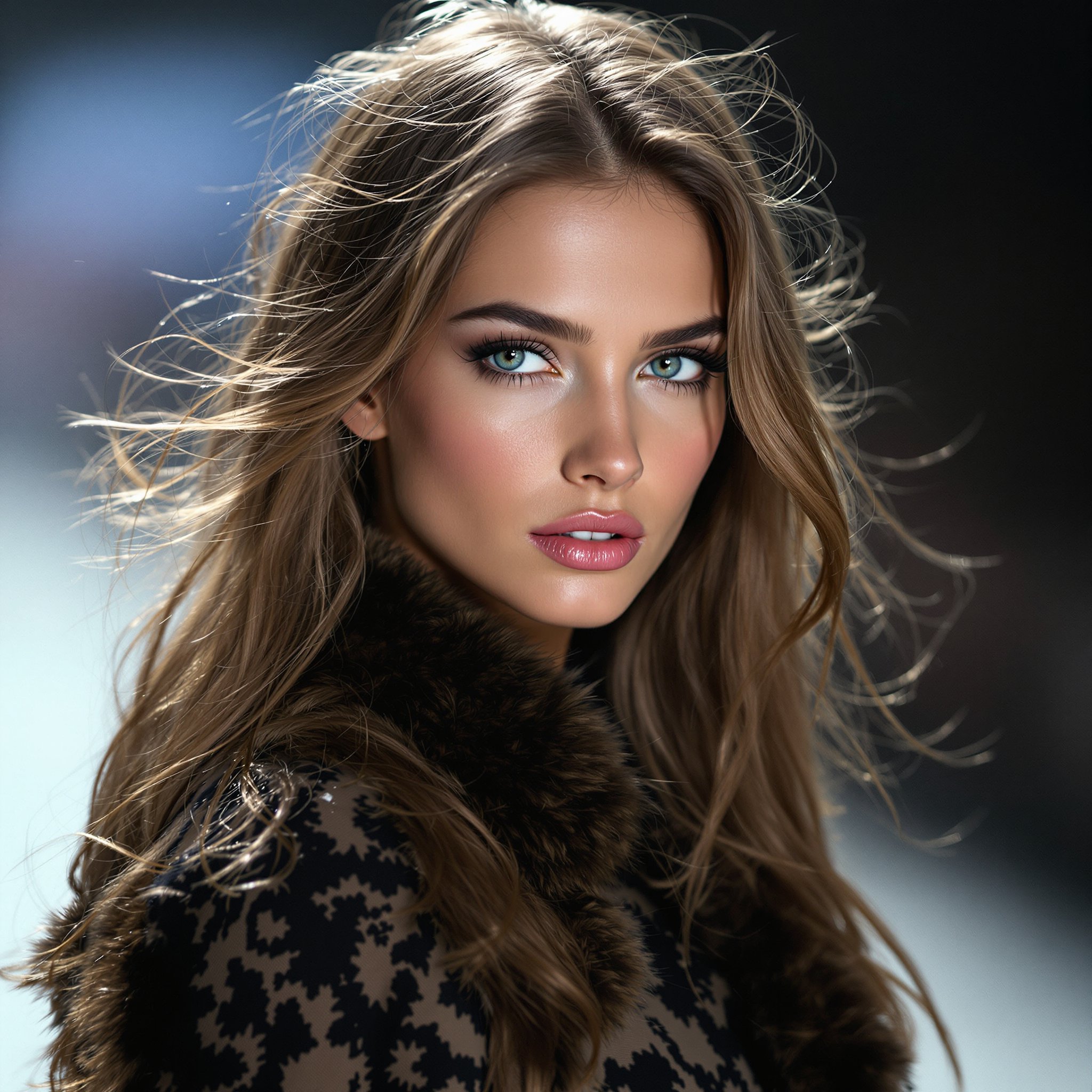
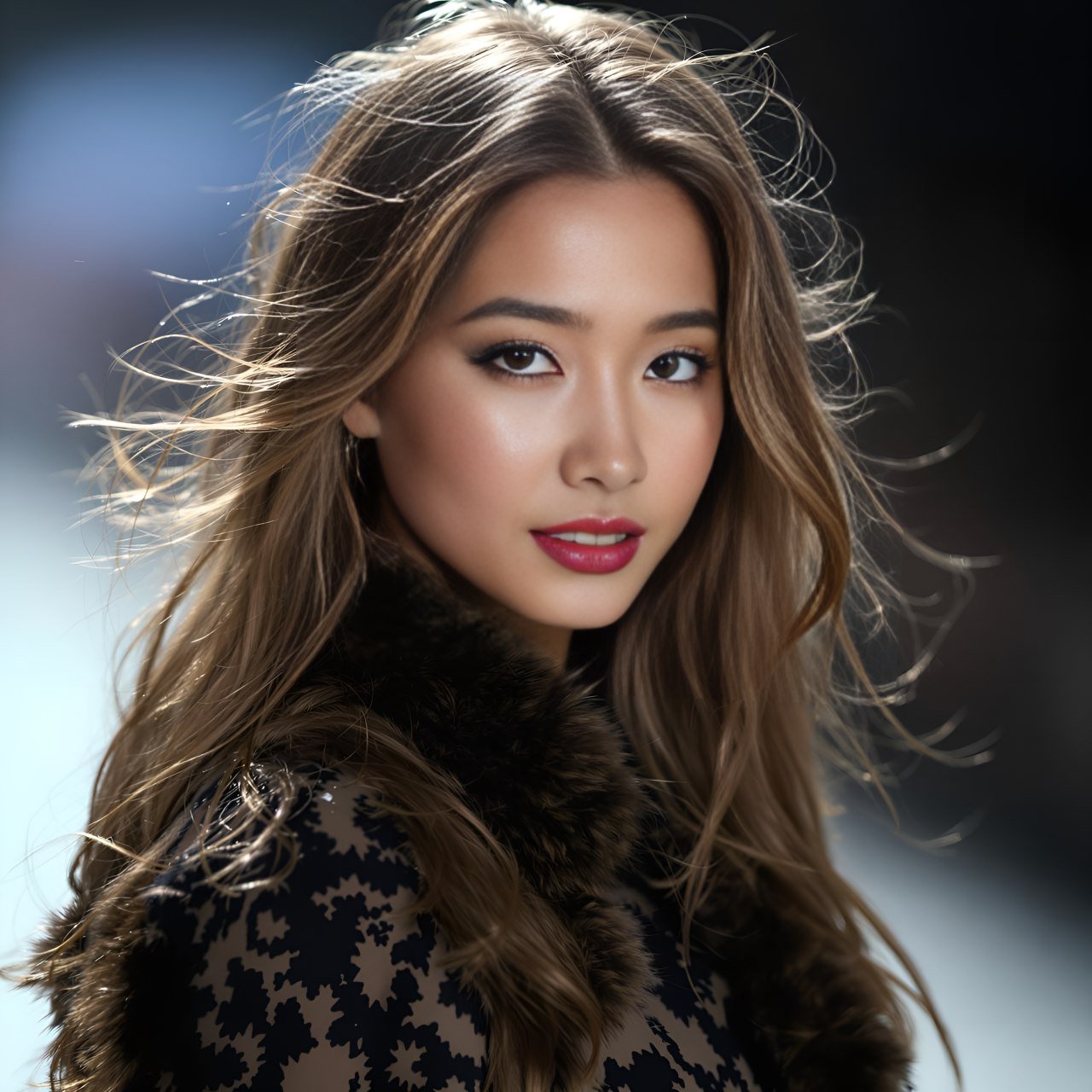
Photo Face Swap
Video Face Swap

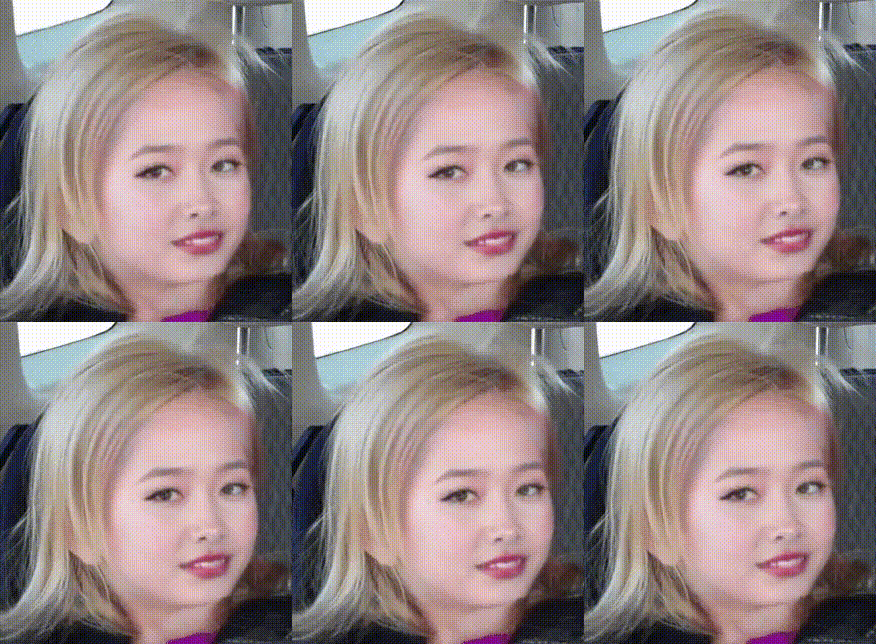
GIF Face Swap
Why FaceSwapper is the New Level
Face Swap Tool for Video
Accurate Face Recognition
Identify faces quickly and accurately with 106-point facial landmark detection for perfect swaps.
Complex Faceswap
Handle complex swaps using 3D face reconstruction and depth maps.
High Resolution Output
Enjoy 1080p face swaps with stunning clarity. 4K resolution is coming soon.
User-Friendly Interface
Achieve amazing results with just a few clicks—no downloads or skills needed.
3 Easy Steps to Create Stunning Face Swap Results
Replace face in video or photo at your fingertips with the best AI face swap.
1. Upload photo or video clip
2. Upload the target face
3. Wait for our bot to send your results!
Simple, Pay-As-You-Go Pricing
How it Works
Start using FaceSwapper on Telegram for free. Purchase credits as you need them—no subscriptions, no hidden fees.
Free to start • No credit card required • Buy credits only when you need them
Head Swap FAQ
A face swap replaces only the inner facial features — eyes, nose, mouth, and cheeks — while keeping the original head shape, hair, and neck. A head swap replaces the entire head, including hair, ears, forehead, and jawline. This produces far more convincing results, especially when the source and target have very different hairstyles, head shapes, or skin tones. FaceSwapper's AI handles both automatically.
Yes. FaceSwapper supports head swaps across photos, videos, and GIFs. For video head swaps, the AI tracks head position and orientation frame by frame, ensuring smooth transitions and natural-looking motion throughout the clip. The head replacement maintains consistent lighting, scale, and perspective as the subject moves.
For optimal results, use source photos where the head is clearly visible with good lighting. Front-facing or slightly angled shots work best. Avoid photos with heavy occlusion like hats, sunglasses, or hands covering the face. Higher resolution images produce more detailed results. The target image or video should also have a clearly visible head for the AI to replace.
Yes. Our AI automatically adjusts skin tone blending at the neck boundary to create a seamless transition between the swapped head and the original body. It also handles differences in lighting conditions and image color balance. While extreme differences in skin tone may be noticeable, the AI does its best to produce natural-looking blending in all scenarios.
Yes. New users receive free credits when they start using the FaceSwapper bot on Telegram. You can use these credits for head swaps, face swaps, or any other feature. No credit card or subscription required. Simply send your photos to the bot and get results in seconds.
Explore More Face Swap Features
Gender Swap AI: Transform Any Face
See yourself as the opposite gender with our realistic AI gender swap filter.
Face Merge: Blend Two Faces Together
Combine features from two faces into one seamless blend using advanced AI.
Video Face Swap: Swap Faces in Any Video
Apply face swaps to video clips with frame-by-frame AI processing.
Face Swap Tutorial: Beginner's Guide
New to face swapping? Start here with our complete beginner-friendly walkthrough.